
- DATE:
- AUTHOR:
- Veo Product Updates

Veo Analytics 2 is here!
Veo Analytics 2 gives you individual player stats generated from your match footage, with your Veo Cam as the only equipment you need. No wearables, no manual tagging. Football only.
Every player gets distance, top speed, high-intensity runs, tackles and passes - attributed automatically from the footage you already record.

What changes in your week?
Monday review - from what happened to why
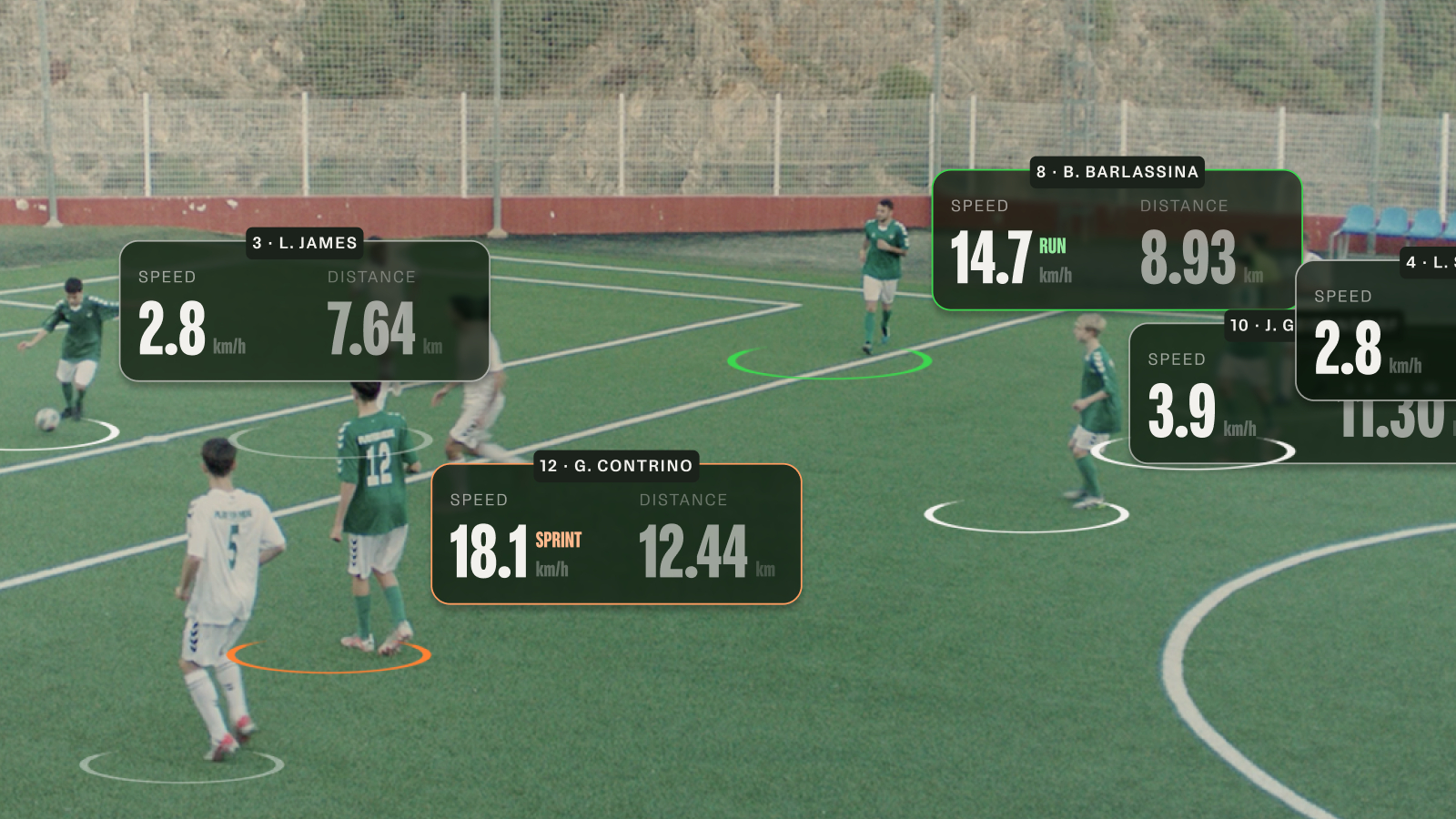
Player stats appear in the Editor alongside your events. Veo Vision overlays live speed and distance on follow-cam video as you watch: select one or more players and see average speed, total distance and sprints build through the match. Open the player stats table to compare your players at a glance, or click a player in the lineup for their match card. Filter the match events and click them to watch the moment in the video.
Across the season - development, not just results
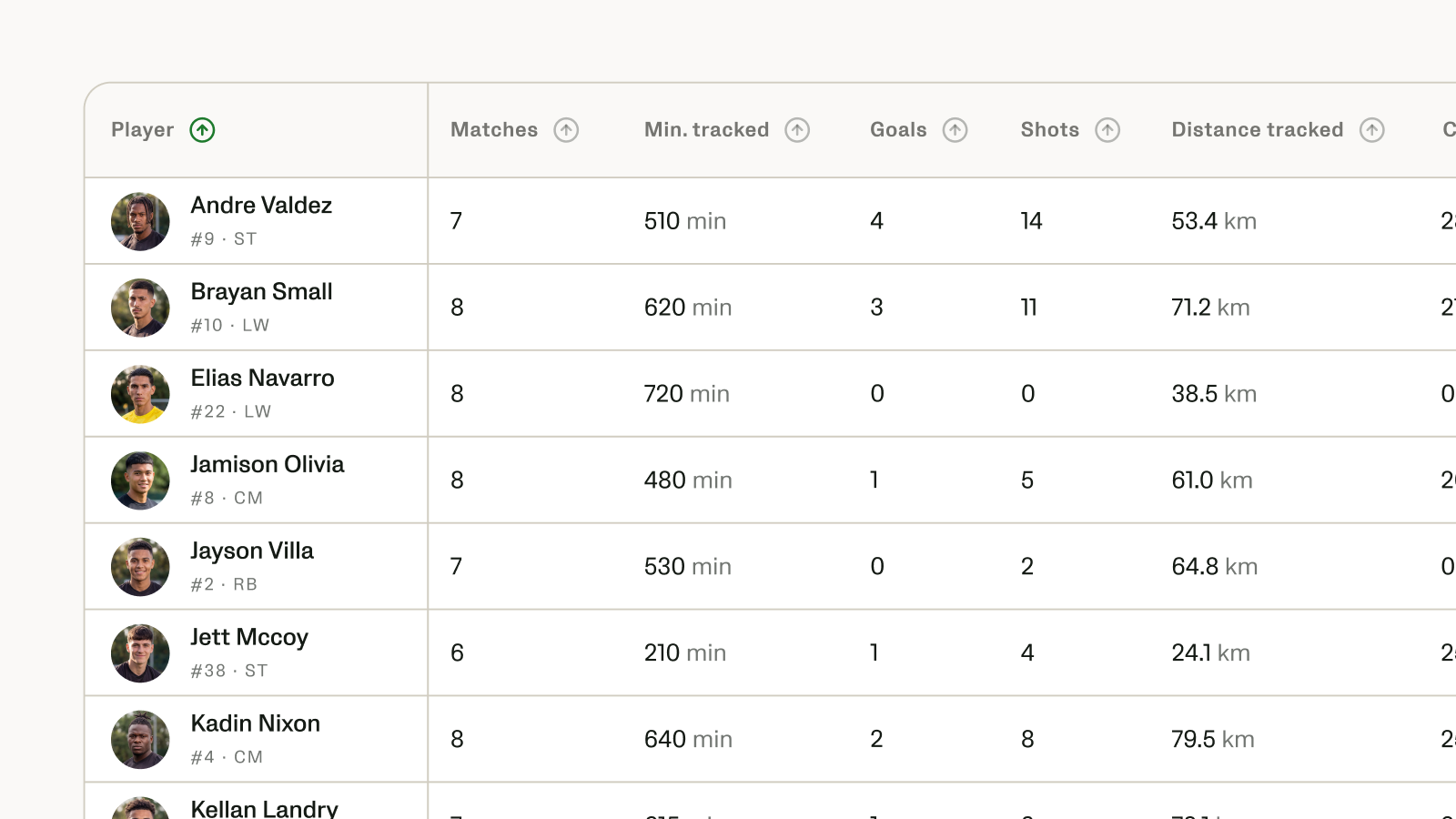
The Analytics Studio adds a dedicated Player Stats experience across multiple matches: leaderboards, side-by-side player comparison, shot maps that jump to the clip, and heat maps for movement and positioning.
Player Spotlight is now part of the Analytics 2 package.
Previously a stand-alone add on, Player Spotlight automatically compiles a reel of moments where the player was involved in the action. The reel is compiled from proximity to the ball calculation, and AI-detected match events.
Ask Coach Assist
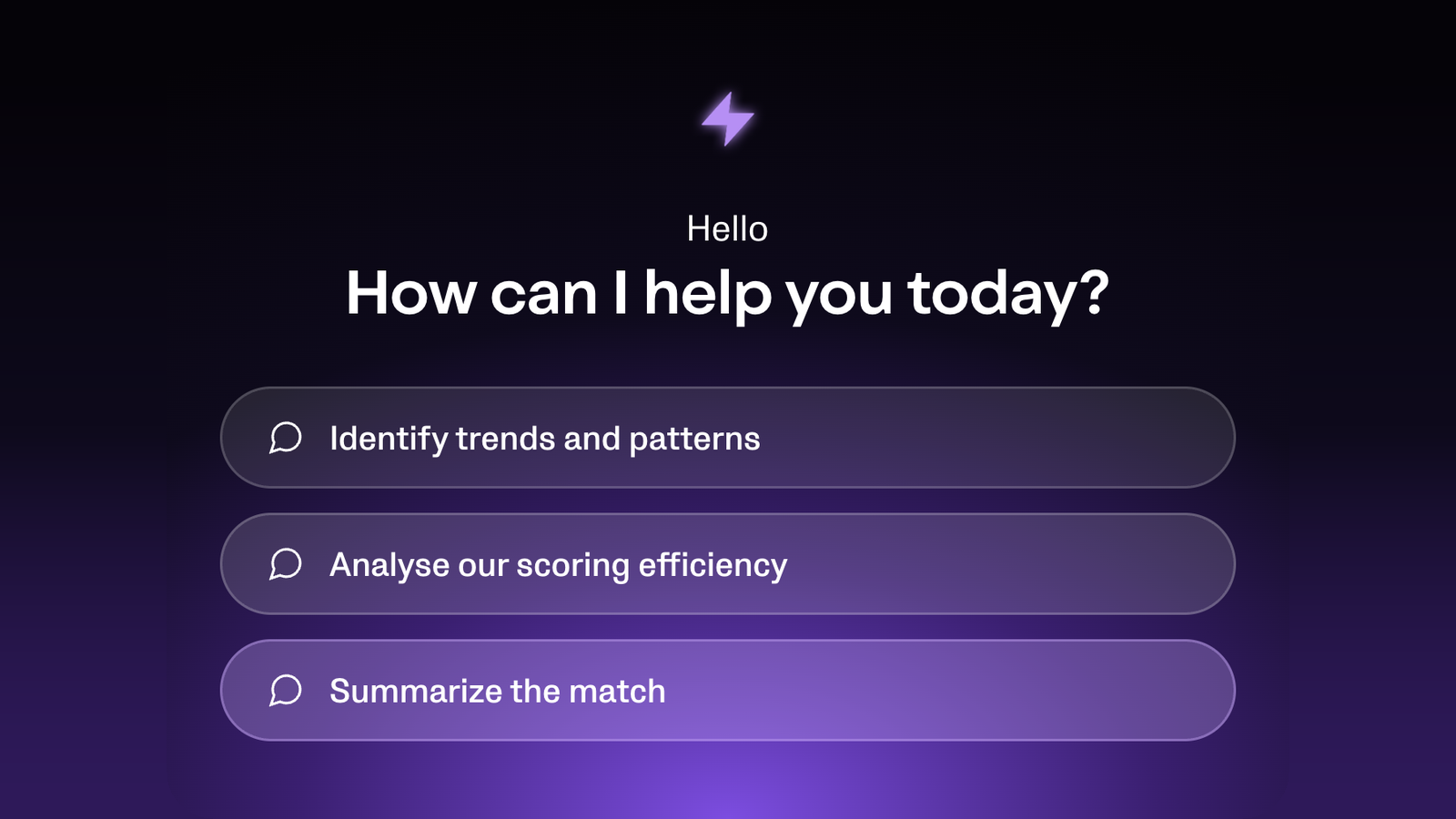
Use Coach Assist to ask single or multi-match questions in plain language and get answers grounded in your own match data, reasoning from the tactics you played and your own personalised guidance.
‘Veo Live’ is now ‘Veo’
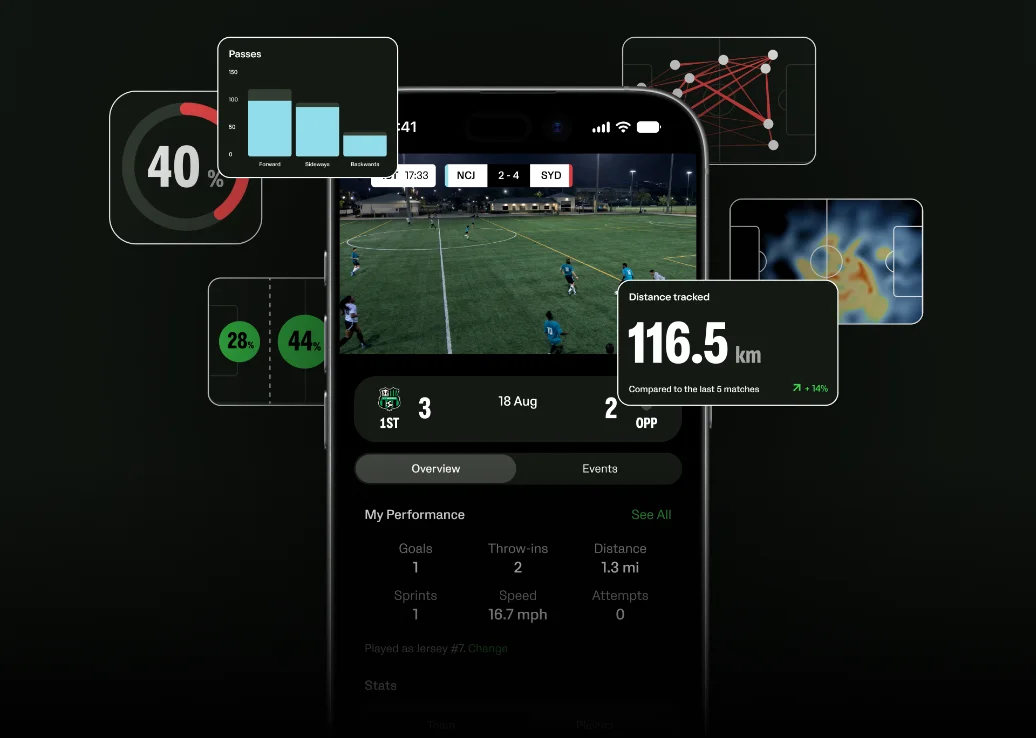
There's a new app for your players, and for you too.
The Veo Live app becomes Veo, with a new name and a new icon. It updates in place, so anyone using it for live streams keeps everything they have today. The app is free for all, with season and career stats are coming later this year.
The new Veo app puts the whole match in every player's pocket. They can watch the full game or filter to any moment, see team match stats, heat maps and shot maps, and check the match’s top performers. And if your club has Veo Analytics 2, each player also sees their own stats, heat map and events once the match is processed, ready to share.
Download new Veo app on App Store or Play Store.
Less match setup and admin
Assign shirt numbers in your members list and set a default starting lineup on the Teams page. Both carry across Veo. Adjust an individual match lineup from the match itself when you rotate, or let players claim their own jersey in the Veo app.
Coming next
Match Report — a tactic-aware post-match report where every stat clicks through to the video behind it. Live for all Analytics 2 users in October 2026.
Get started
If you are an admin:
Add shirt numbers to your players
Set your default starting lineup
For everyone:
Review your game and events in the Editor
Check out player stats in Analytics Studio
Get the Veo app and have the game and your stats in your pocket
Further information at www.veo.com/product/veo-analytics-2.