
- DATE:
- AUTHOR:
- Veo Product Updates
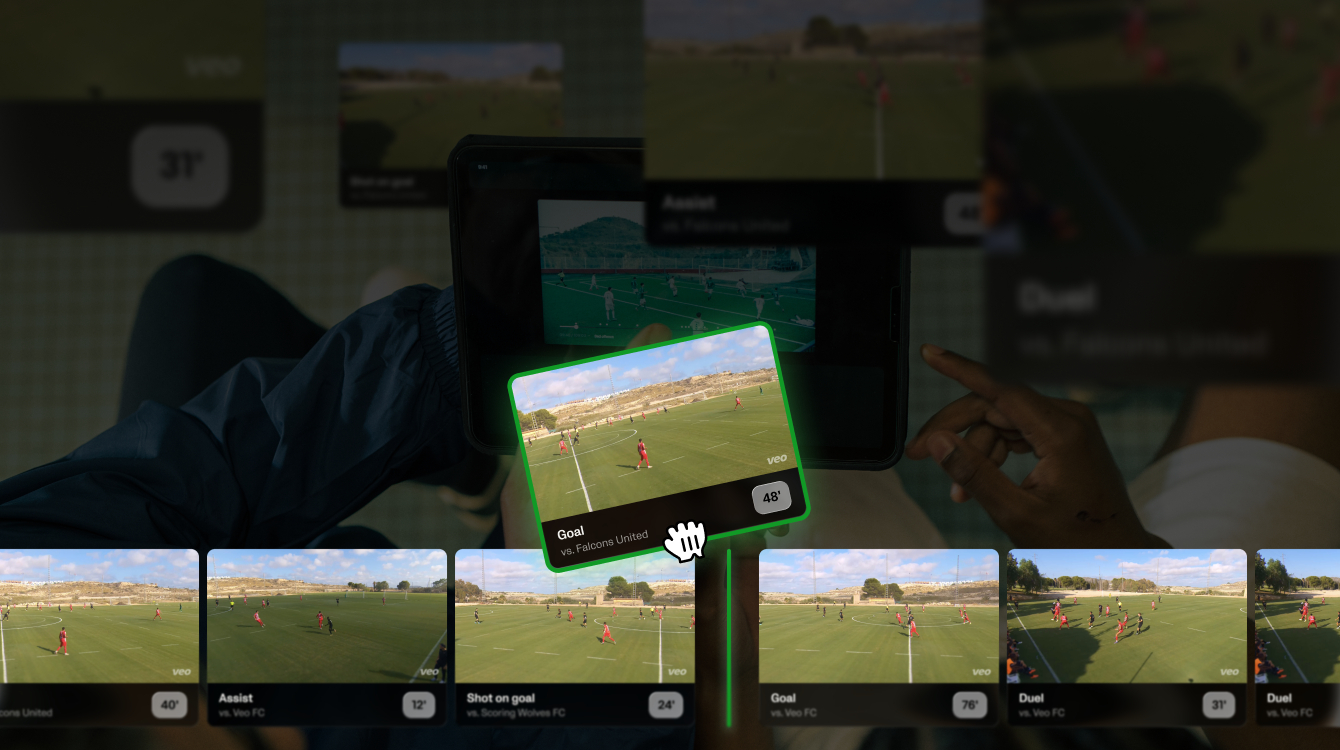
New feature: Playlists
Great coaching moments don’t always come from the same game.
With Playlists, you can bring clips from different recordings together and watch them in the order you choose - all inside Veo.
Prepare your next team talk, highlight a pattern across matches, or follow a player’s development. Less switching between recordings. More time focused on what you want to show.
Different games. One clear message.
Show your team what’s working - and what to work on next.
Collect examples of a well-executed press, chances created from the same movement, or a recurring defensive mistake. Put the clips in sequence to make your feedback easier to follow.
Players can also create their own playlists to collect highlights and review their progress.
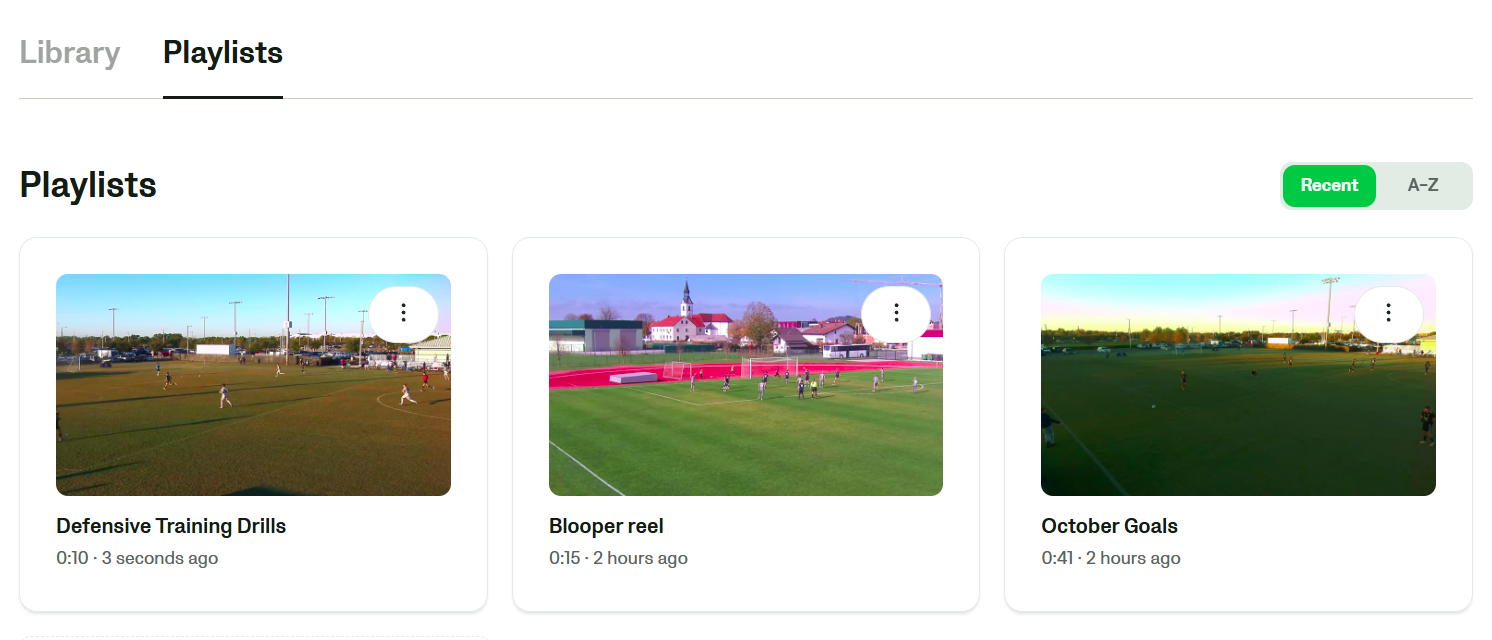
Build your first playlist
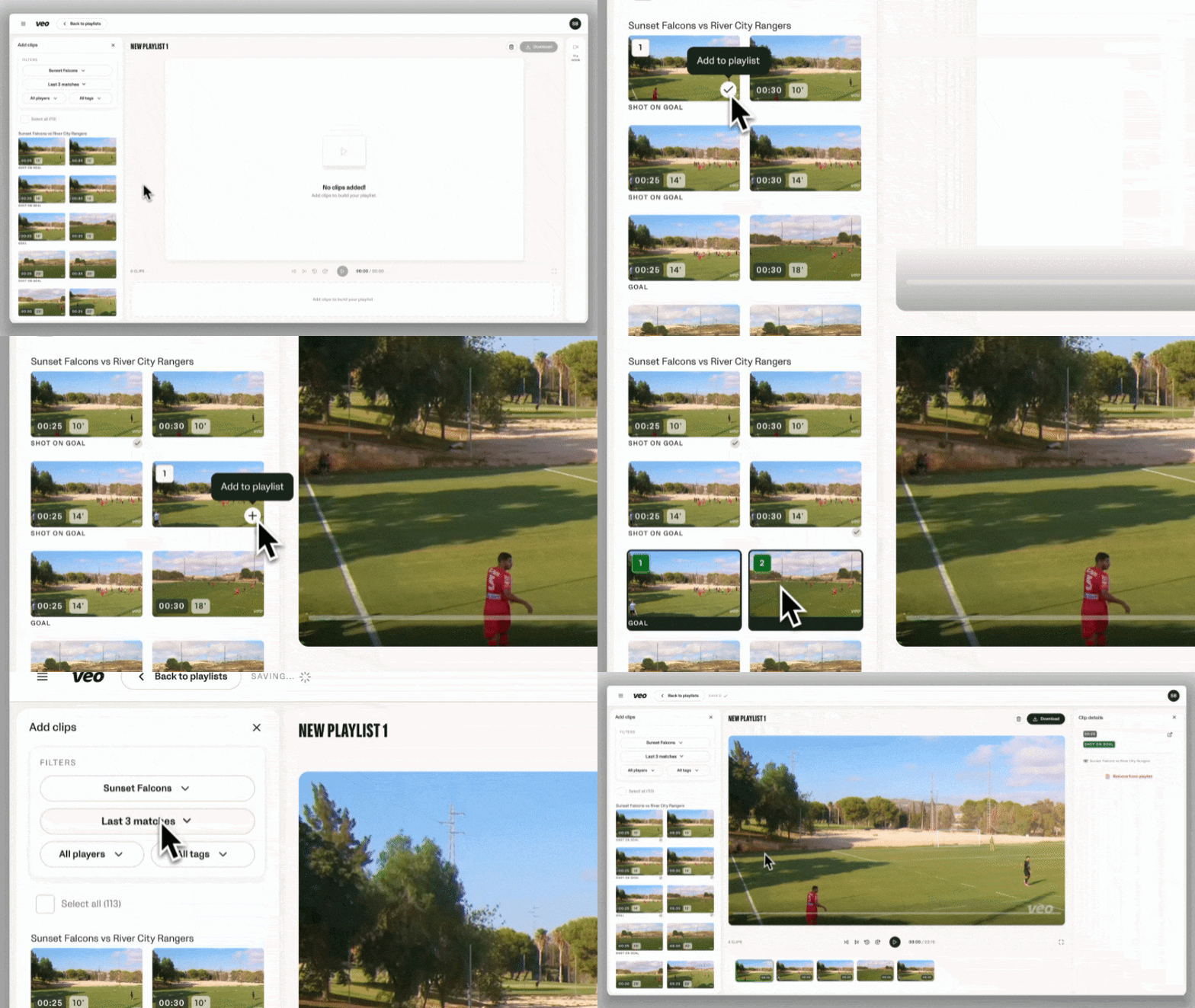
Find your clips. Open the new Playlists tab in Clubhouse and filter clips by team, recording, player or clip tag.
Bring them together. Add clips individually or select several at once. You can also add clips directly from the Editor.
Set the order. Drag clips into the sequence you want.
A few things to know
Playlists are personal. Only you can see your playlists; sharing them inside Veo isn’t available yet.
Your existing access stays the same. You can only add and watch clips from recordings you have access to.
Taking clips outside Veo? Download them as separate files in a ZIP - we are working on a single merged video export.
Start on desktop/web. Veo mobile app support will follow.
Your next team talk starts with the moments that matter.
For more information, please visit our Help Center.